God-Mode for Traders
Trading manually on an exchange interface is like looking through a keyhole. The Mergen Smart Trade Terminal rips the door off its hinges. It is the ultimate command center, consolidating every piece of technical and fundamental data into a single, interactive dashboard.
The 135-Indicator Matrix
Most platforms allow you to overlay 3 or 4 indicators on a chart. The Mergen Smart Terminal features an Indicator Matrix Table that calculates the real-time status of 135 different technical indicators simultaneously. But it doesn't stop there.
The Matrix displays these 135 indicators across all timeframes at the exact same time. You can look at a single row for Bitcoin and instantly see that the 1-minute RSI is Overbought, the 1-hour MACD is crossing bullish, and the 1-day Moving Average is acting as support. It provides total situational awareness in a single glance.
The Custom Score Builder (Infinite Logic)
Having 135 indicators is powerful, but acting on them manually is impossible. Enter the Custom Score Builder.
This widget allows you to assign specific "point values" to any indicator on any timeframe. For example:
- If 15m RSI < 30 -> +10 Points
- If 1h MACD Histogram is Green -> +20 Points
- If 4h Price is above 200 EMA -> +50 Points
- If 1m Volume Spike > 1000 BTC -> +20 Points
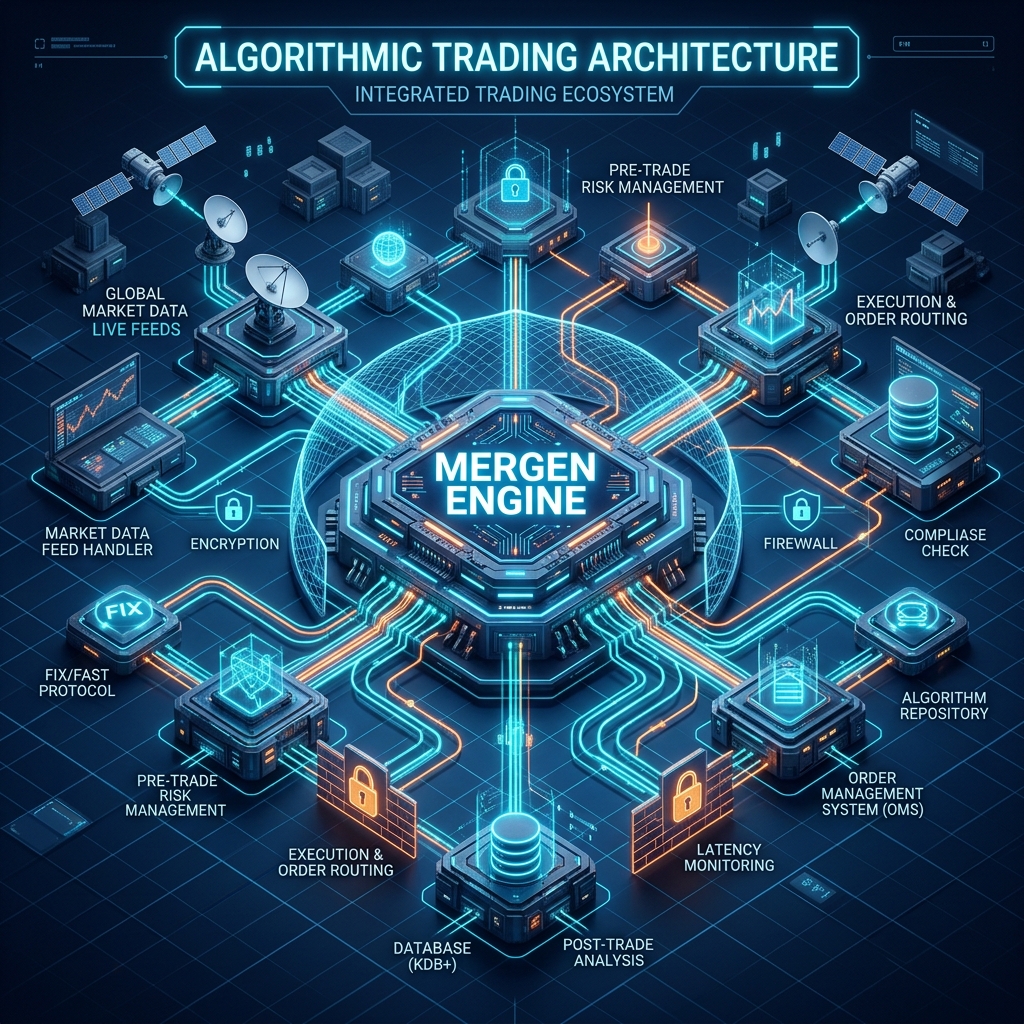
You then set an Execution Threshold (e.g., 85 Points). The Mergen Engine evaluates this score matrix in real-time. The microsecond your customized point total hits 85, the Smart Terminal automatically executes the trade. It is the most flexible, imaginative, and powerful scoring system ever built for retail traders.
Conclusion
The Smart Trade Terminal is not just an interface; it is an exoskeleton for your trading mind. By synthesizing massive amounts of data into a single Custom Score, it allows you to trade the matrix with absolute precision.